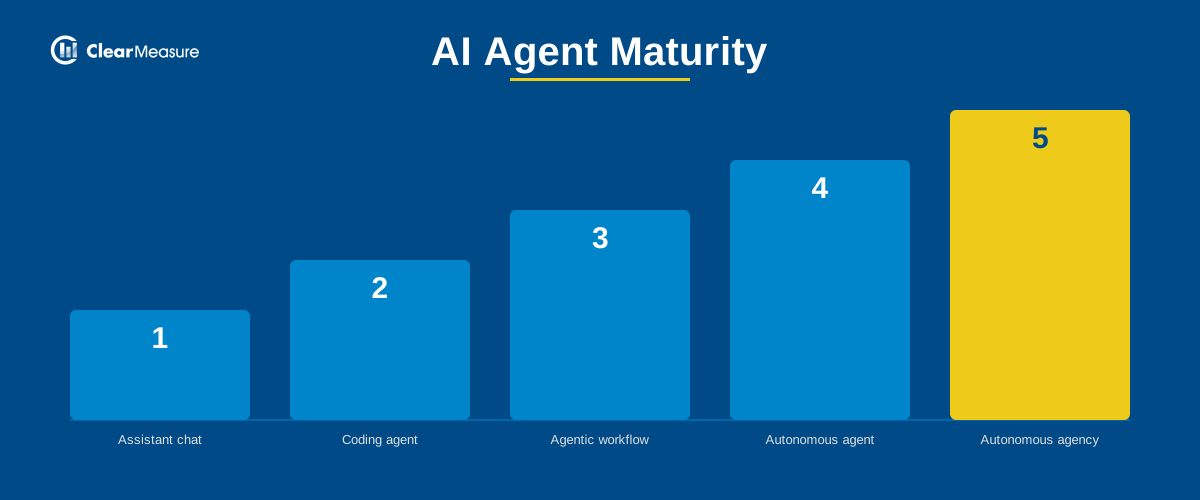
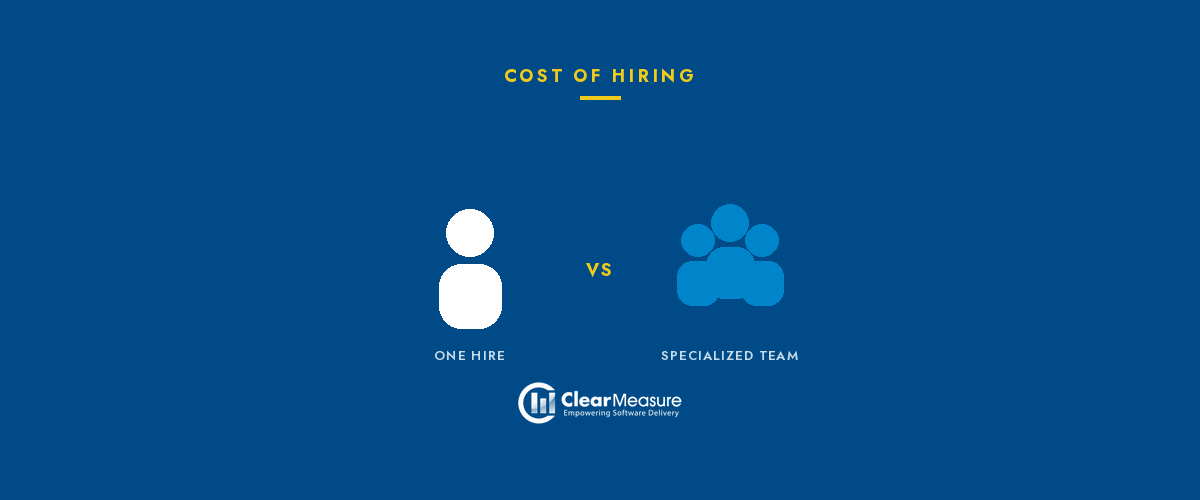
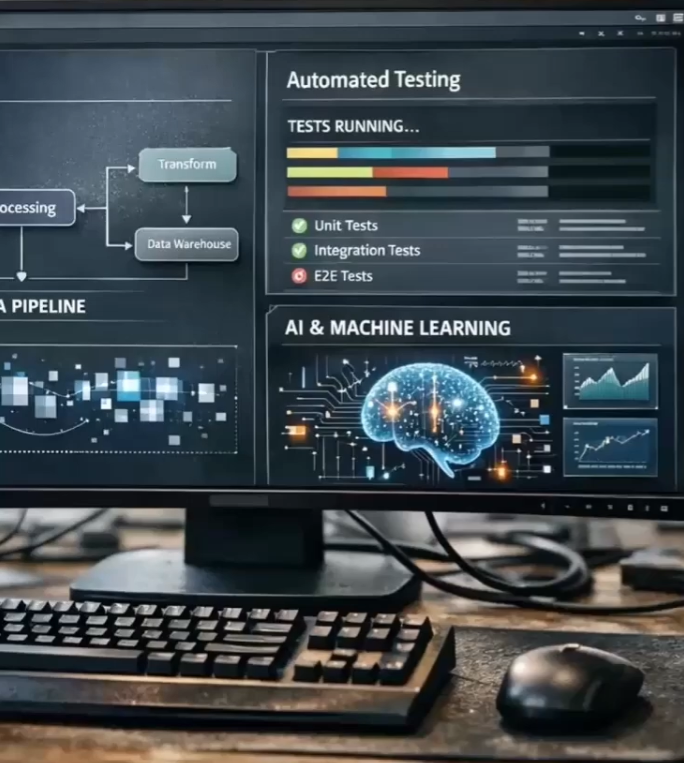
Coding Is No Longer the Constraint
Since Clear Measure's founding, the approach has been to front-load automation that drives quality and stability. The goal has always been to make the computer do all the work that it can. With today's AI capabilities, even more work can be delegated safely to machines. Tasks that once took significant time no longer do. Coding is no longer the primary constraint. That puts the focus where it belongs: architecture, strategy, and judgment. AI isn't the strategy. It's a force multiplier when paired with discipline. The teams still treating AI as a coding accelerator are missing the larger shift. When coding is largely automated, the constraint moves upstream to architecture and design. Teams can focus more on doing the right things for the customer market rather than on the mechanics of producing code.The Pattern Behind Every Major Engineering Shift
Over time, Agile adoption led us to work in smaller batches. DevOps led us to automate the complete flow from software builds to the customer. The AI Software Factory is the next step in that progression. It pulls automation from builds and deployments into every activity of software delivery and extends telemetry to the full process as well. An AI Software Factory is a system that increases software delivery throughput while maintaining very high quality. It is an executive-level architecture pattern that empowers business executives to oversee software organizations. It enforces quality, stability, and speed while leveraging AI to automate repetitive work. It produces metric-based project scorecards daily and weekly so that executives know what is happening and can tune the organization. This ensures software is delivered consistently to production in a visible way. Automation, scorecards, and guardrails provide clarity on quality, stability, and progress, so AI accelerates delivery instead of increasing risk.What AI Software Factory Produces
The outcomes from a properly implemented AI Software Factory are specific and measurable: 77% reduction in project delivery timeline. A project scoped for 26 weeks completes in 6. The same scope, the same requirements, a fraction of the calendar time. 99% defect prevention rate. Up from the 95% industry baseline. Defects are caught automatically before they reach production rather than being discovered by users after the fact. 100% ROI within 21 weeks of go-live. A project that would have required $875,000 in labor delivers for $202,000, approximately $673,000 in savings. Measured against a typical implementation investment, those savings produce a full return within 21 weeks. These are not projections. They come from building the delivery environment correctly: quality automation, repeatable deployment, architectural discipline, and AI-embedded throughout rather than bolted onto the end.Higher Throughput Without Higher Risk
AI-driven development builds on Agile, DevOps, and test-driven development. It enhances and accelerates the software engineer’s workflow and inner loop. AI tools can generate code, run private builds, and execute full test suites, but only inside disciplined guardrails and environments designed for it. AI agents don't bypass quality gates or push code unless everything passes. That is what separates using AI tools from practicing AI-driven development: higher throughput without higher risk. AI-driven development is the practice of modern software engineering to produce sustainable results. It separates the engineers from the vibe coders. We don't lead with tools. We lead with outcomes. AI becomes part of how the team works, with discipline, not improvisation.What This Means for Your Team
AI is a tremendous automation tool for software-enabled companies. It is not a tool designed to reduce or eliminate software engineering jobs. Adopting AI does not immediately shrink engineering teams. What it does is enable companies to compete more aggressively. With AI, software teams can get more done, faster, and with higher quality. You can deliver more value, respond to the market more quickly, and grow. As organizations grow, each software team member gets more leverage. You are able to accomplish far more per person than before. Over time, labor decreases when measured as a percentage of total revenue. But that is not because jobs were eliminated. It is because growth was enabled. AI expands what your teams are capable of. It empowers engineers instead of replacing them. Concerned about what AI means for your engineering team? Jeffrey addresses it directly.See It in Motion
If you want to see the AI Software Factory working end-to-end before evaluating whether it is relevant to your organization, Clear Measure recently hosted a live demonstration. Real work items, real automation, real delivery metrics updating in real time. Watch the recording here. For a walkthrough tailored to your specific stack and starting point, live demo sessions are available and kept small for actual conversation.The Starting Point
The fastest way to understand where your organization stands relative to this architecture is the Clear Measure AI DevOps Inspection, a structured evaluation of your current delivery environment across every dimension that determines AI adoption readiness. It produces a concrete roadmap: what is already working, what gaps exist, and what to address first to unlock the outcomes the AI Software Factory makes possible.In Summary
The direction the industry is heading is clear. Business software will increasingly be designed by engineers and architects, with AI handling the construction. The organizations building those disciplines now will be the ones leading when it becomes the standard.
The AI knowledge gap is why most engineering teams aren’t seeing results.
AI budgets are up, but under scrutiny to show real & measurable business results. Expectations are high, especially given the AI hype. And yet most teams are not delivering the improvements and productivity gains of leadership expected when they approved those investments.The issue isn’t the technology.
It’s how teams are set up to use it.
AI Doesn't Fix a Broken Delivery System. It Exposes One. The organizations that capture real value from AI are not the ones that moved fastest to adopt tools. They're the ones who had strong engineering fundamentals in place before AI entered the picture, including fast CI pipelines, automated testing, stable deployments, and real observability. When those foundations exist, AI accelerates everything. When they don't, AI adds noise. Developers spend time managing tool outputs instead of shipping features. Pilots stall. Leadership loses confidence. ROI never materializes. More spending on AI tools does not automatically create more value. What creates value is building the system around AI intentionally, starting with quality and stability, and treating automation as something you earn, not something you install. The Missing Investment Is in Your People The tools are not bottlenecked. Your engineers are being handed AI-powered coding assistants and asked to figure it out. Most organizations have not built a learning environment, workflow integration, or clear standards that would allow their teams to use these tools effectively and confidently. The result is exactly what you'd expect: some engineers find ways to make AI work for them; most don't, and the augmented capabilities of leadership expected never show up across the team. Closing this gap requires deliberate investment in your people and not just licenses and subscriptions, but structured training, peer learning, and a delivery framework that ensures AI adopts a system-level capability rather than an individual experiment. That's where Clear Measure can help. Three Ways to Upskill Your Engineering Leaders AI Software Architect Forum (Online, Monthly) The monthly AI Software Architect Forum is a peer-led conversation guided by The Five Pillars, to help engineering leaders with the real challenges of AI adoption, team performance and software delivery. Led by Jeffrey Palermo, Clear Measure's Chief Architect and a 13-time Microsoft MVP, this is a place for candid discussion with peers who are navigating the same decisions you are. No vendor pitches. No slides. Just a focused conversation about what is actually working. Register for the Next Forum → Advanced .NET Bootcamp — Immersive In-Person Training For teams ready to go deep, the Advanced .NET Bootcamp is three days of hands-on, practitioner-led training covering modern .NET architecture, DevOps fundamentals, and AI-driven development. This bootcamp teaches the attendees how to build a delivery system that AI can actually improve. The curriculum covers the engineering fundamentals that make AI adoption stick, including CI architecture, automated testing, stable deployments, observability, and then layers in AI-driven development once that foundation is solid. Your engineers and lead architects leave knowing not just how to use AI tools, but where to apply them, how to measure whether they're working, and how to keep quality from slipping as automation increases. "The AI portion of the Advanced .NET Bootcamp has been especially valuable. It's practical and grounded in real workflows, which matters in a fast-moving space where hype is everywhere." — Bootcamp Attendee Contact Us to Learn More About the Bootcamp → Want to See What a Mature AI Delivery System Looks Like? If your team is evaluating how to build AI into your software delivery process, not just into individual workflows, then our AI Software Factory demo is worth an hour of your time. Jeffrey walks through a live system: real work items, real automation, real delivery metrics update in real time. These Sessions are kept small and meant for actual conversation about your stack and your starting point. Schedule a Demo Session → The organizations winning with AI right now are not the ones who spent the most. They're the ones who treated AI as an end-to-end system problem, not a tooling problem, and those who built the delivery foundations first, trained and upskilled their people deliberately, and measured every automation decision against real outcomes. That's the work Clear Measure does. We don't sell AI tools. We help engineering teams build the system around them, one that can absorb and truly leverage AI intentionally, scale it responsibly, and show up in your delivery metrics.
One of our clients was spending five full days on every manual deployment — not because they lacked talent, but because their Octopus Deploy environment had never been properly assessed or updated since it was first stood up years earlier. Tentacles (Octopus's deployment agents) had accumulated. Integrations had drifted. And nobody had stopped long enough to ask whether any of it still made sense. If that sounds familiar, you're not alone. Aging, unexamined Octopus Deploy environments are one of the most consistent problems we see across enterprise teams in healthcare, financial services, insurance, energy, and beyond.
Here's how we help teams fix that — and what's possible on the other side.
Phase I: Assessing Your Octopus Deploy Environment Before Migration When a client comes to us with an aging Octopus Deploy environment, we don't start by recommending an immediate upgrade. We start by looking carefully at what is already there. Our Octopus Deploy Migration Planning engagement — designed specifically for complex environments — gives teams a complete picture before a single migration step is taken. This includes:Following Phases I and II, you'll have something most teams never start with: a validated migration pattern, a target environment that's been proven to work, and a team that has already done this once successfully. That changes everything about how the remaining portfolio gets migrated.
At that point, we'll present a full estimate for converting the remainder of your applications to Octopus Deploy. From there, you have options. Our team can execute the full migration on your behalf, or your team can take on the work directly with our experts advising alongside them. What doesn't change regardless of the path: your team will understand exactly how the work is done, with detailed documentation and hands-on advisement until they're fully confident managing the environment on their own.
Octopus Deploy Training: Up-Leveling Your Team for Long-Term SuccessDeploying a new version of Octopus is only as valuable as your team's ability to use it well. That's why team enablement is built into every Clear Measure engagement — not treated as an afterthought.
We meet teams where they are. If your team is new to Octopus or needs to reset some ingrained habits, a focused 2-hour orientation gets everyone aligned quickly. For organizations ready to go deeper, a full day of platform engineering planning helps connect architecture decisions to long-term delivery goals. And for enterprise teams looking to build advanced expertise and deploy at scale, we offer pro-level training customized to your environment and roadmap.
As Clear Measure Chief Architect Jeffrey Palermo puts it: "There isn't anything Octopus can't deploy. But if automated DevOps is new to your team, make sure to plan your platform engineering properly. Empower your team to establish quality, achieve stability, and increase speed of delivery." Learn more about how we work with Octopus Deploy across industries and team sizes. What Our Clients Are Saying "It was taking our team five days to do a proper manual deployment, so I decided it was time to move automation to the next level. By increasing the utilization of Octopus Deploys automation features from 10% to 80%, the company has increased productivity by over 84%. Now we have more efficiency and accuracy. It's a completely different deployment experience." — SVP of Operations, Alphapoint "Our old method of deployments was cumbersome on our IT team, and required significant time and stress. Clear Measure helped us set up an Octopus Deploy configuration that allows us to initiate mid-day deployments, saving time we would have normally spent after-hours to do a deployment." — Frontier How Octopus Deploy Fits Into a Modern AI DevOps Architecture Upgrading Octopus Deploy is one piece of a larger picture. At Clear Measure, we view deployment tooling as a core component of a modern AI DevOps architecture: the interconnected system of pipelines, automation, feedback loops, and intelligence that allows engineering teams to deliver software reliably and rapidly.When your Octopus Deploy instance is current, properly configured, and correctly integrated with your build servers and cloud environments, it becomes the foundation that makes AI-assisted delivery possible — automated validation, complete auditability, and the kind of deployment speed that lets engineers focus on architecture and innovation instead of firefighting. Without that foundation, even the best AI tooling has nothing reliable to build on.
To see what this looks like end-to-end, download our AI DevOps Architecture Poster — a print-ready reference designed for .NET and Azure engineering teams. Octopus Deploy Migration Results: Real Client Outcomes The numbers speak for themselves. In one engagement with a FinTech firm, new environments that previously took days to provision were up and running in 4 hours or less, features could be deployed on demand, and overall team productivity increased by 84%. Read the full case study: Optimized DevOps Roadmap to Deliver Faster Results In another engagement, a supply chain management company with over 200 employees eliminated tedious manual deployments entirely — gaining the flexibility to deploy mid-day without disruption, proactively catching errors before they reached production, and freeing their IT team from the after-hours grind that had become the norm. Read the full case study: Streamline Deployments and Reduce Cycle Time Both transformations started with the same foundational work — assessing what existed, planning the right path forward, and proving it out before scaling. The pattern holds across every industry we work in:If your team is running an older self-hosted Octopus Deploy instance and isn't sure where to start, the best first step is a clear-eyed look at what you actually have — an honest technical assessment that tells you where your environment stands, what risk is accumulating, and what a better future state looks like.
That's exactly what our Octopus Deploy Migration Planning engagement is designed to deliver. Explore our Octopus Deploy practice to learn more, or contact us to start the conversation.
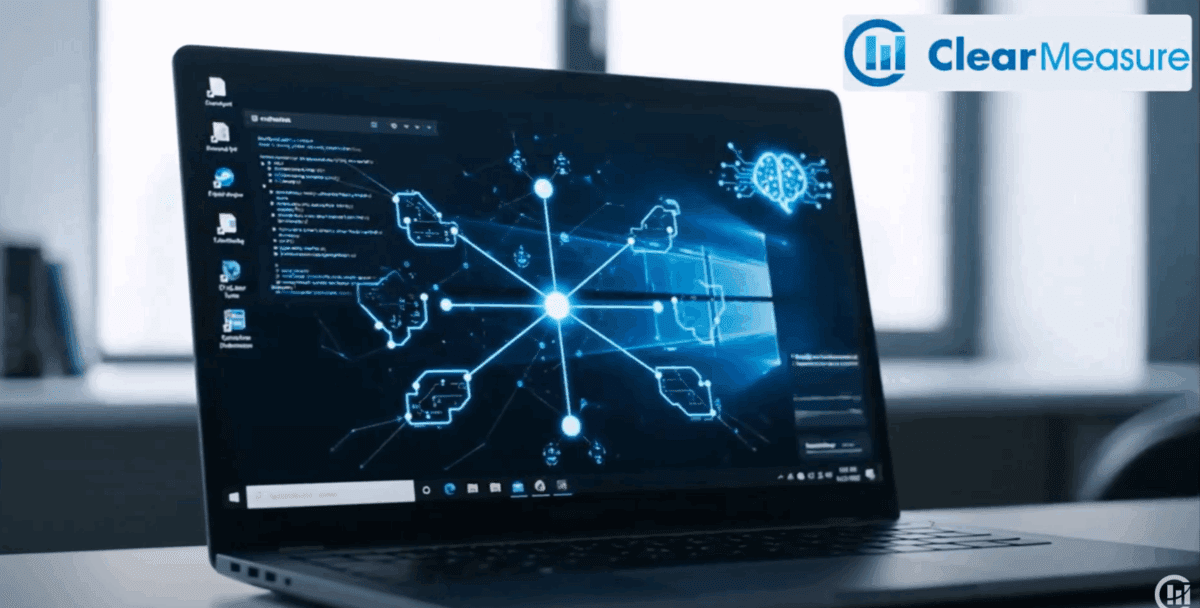
AI-Assisted Coding
One tool. One engineer. One file. Autocompletes code inside the IDE. Speeds up authoring. The delivery system around it is unchanged — manual processes, manual testing, manual deployment.AI-Driven Development
One system. Every phase. Full lifecycle. Automates requirements, design, code generation, testing, CI/CD, UAT, and production monitoring. The entire delivery system is built to support and validate AI-generated output.Want the Full Framework?
Clear Measure's AI-driven development methodology covers the complete lifecycle — from readiness assessment and architectural standardization through full pipeline automation and production telemetry. See the full technical guide →